 English


 Published: April 14, 2026
 Editor: Ruoxi
Nihao China APP is a one-stop digital service platform for overseas visitors in China, covering payment, travel, daily life, cultural tourism, and more.
Step 1 Download & Register
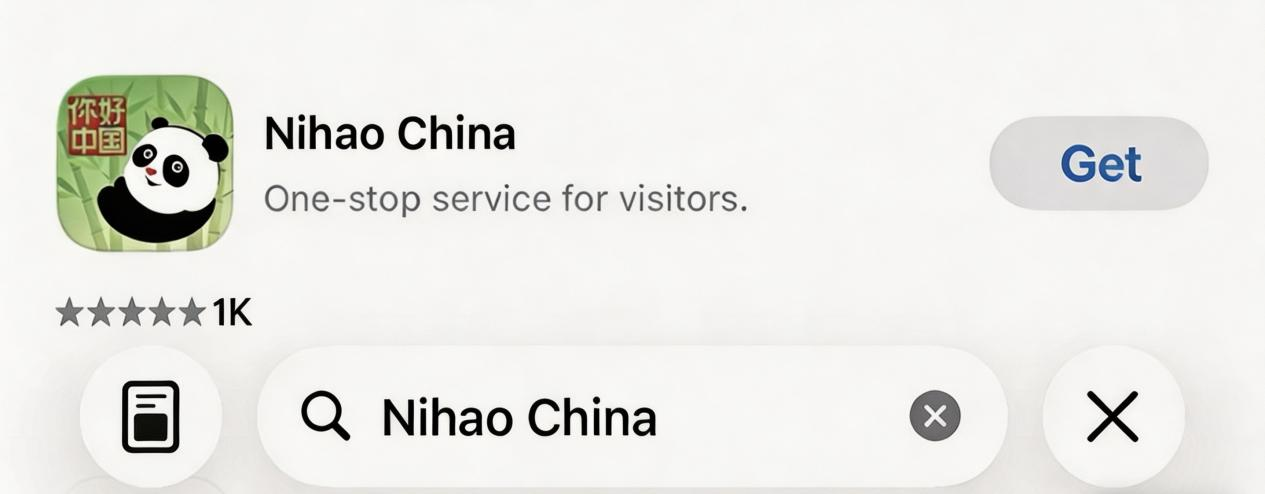
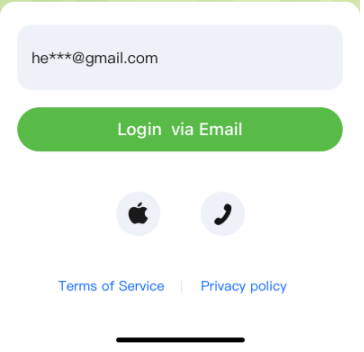
Download Nihao China App. Register and log in with your email, mobile number, or third-party accounts.

Step 2 Enable Tour Wallet
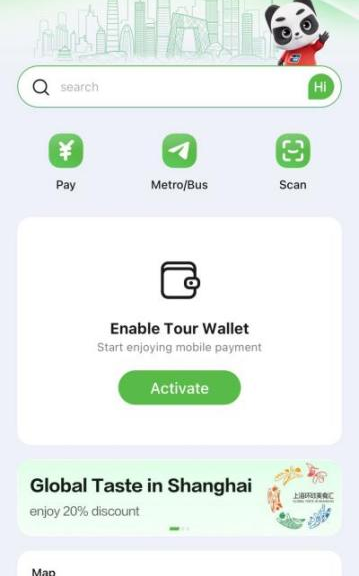
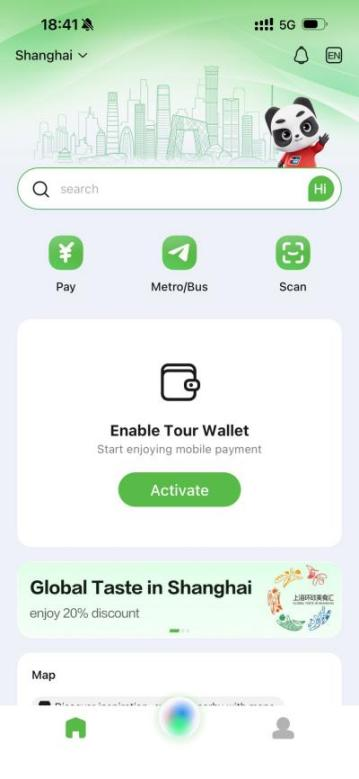
Access the wallet by tapping the "Activate" button on the homepage.
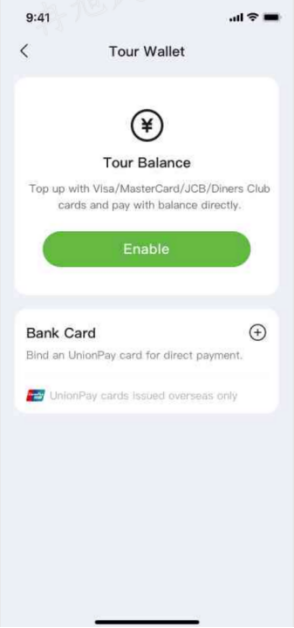
Option 1 Enable Tour Balance
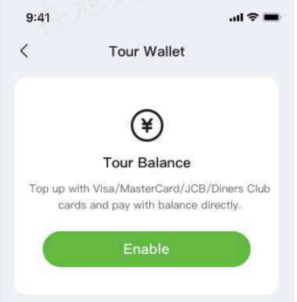
A. Tap the "Enable" button and follow the on-screen instructions to enable the "Tour Balance" function.
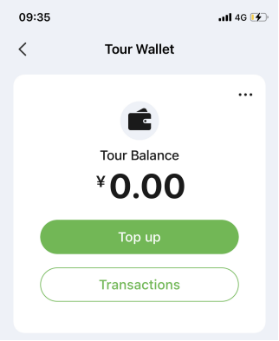
B. Once the above function is enabled, tap "Top up," enter the desired amount and complete the verification process. The funds will be credited to your balance in real time.
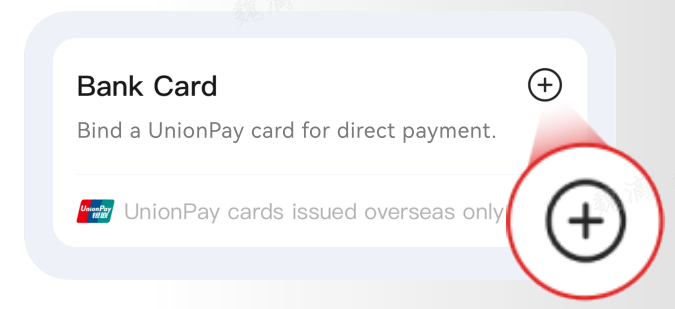
Option 2 Linking an International UnionPay Card
Go to the wallet page, tap the "Å" icon, and enter the number of your international UnionPay card (a 62-starting UnionPay card issued overseas). Once verified, the card will be successfully linked.